Invoicing and payments · Create an invoice
Before you start: connect Stripe
Connect your Stripe account so you can create and send invoices and your clients can pay online by card or bank transfer.
Why use it
Invoices in Moodiri carry a link your client uses to pay online. That link needs a Stripe account behind it, so the money goes to your firm's bank account. Connecting Stripe once lets every invoice you send be paid by card, bank transfer (ACH) or Apple Pay.
When to use it
- Before your first invoice. Moodiri doesn't open the invoice builder until Stripe is connected.
- If setup stalled. When Stripe still needs details from you, the button reads Continue setup.
To review payout settings after you are connected, see Stripe Connect payouts.
Before you start
- Only the owner and admins with the Payouts permission can connect Stripe.
- Have your business and bank details ready for Stripe.
- Allow pop-ups for Moodiri in your browser. Stripe opens in a new window.
Steps
- 1Integrations
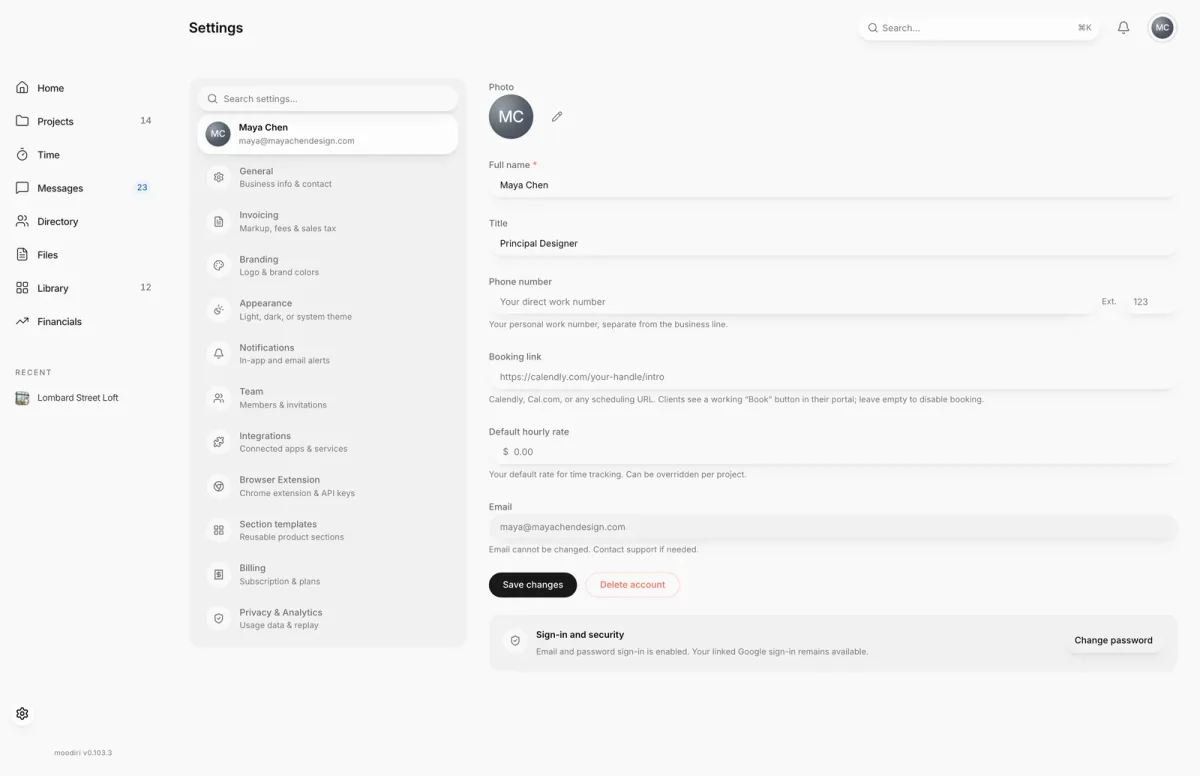
- Open Settings and choose Integrations.
- Find Stripe Connect and check its status. Not connected means clients can't pay online yet.
- Choose Connect (on the invoices screen, Connect Stripe). Stripe opens in a new window; complete its setup with your business and bank details.
What happens next
- While Stripe reviews your account, the invoices screen shows Stripe account under review.
- Once Stripe approves it, Create invoice opens the invoice builder. See Create an invoice.
- Clients pay through your Stripe account. Moodiri records each online payment on the invoice automatically.
Limits
Limits
- Until Stripe onboarding is complete, the invoice builder shows the Connect to Stripe screen instead.
- Draft invoices and the invoice page also show Connect Stripe prompts, and Send invoice stays unavailable until Stripe is connected.
Troubleshooting
- Stripe status unavailable. Moodiri couldn't check your Stripe account right now. Refresh the page to check again; your invoices are still there.
- Nothing opened after choosing Connect Stripe. Your browser blocked the pop-up. Allow pop-ups for Moodiri and choose Connect Stripe again.
Questions
How long does Stripe take to approve my account?
Moodiri shows Stripe account under review while Stripe checks your details. This usually takes 1-2 business days. You can create invoices once it is approved.
Can my team still see invoices while Stripe is under review?
Yes. Existing invoices stay available. Only creating and sending new ones waits for Stripe.
Next
Create an invoiceInvoicing and paymentsConnect Stripe payoutsSettingsHow invoicing worksInvoicing and payments
Was this page helpful?
Thanks, noted.