Space documents
Keep a room's drawings, quotes and photos with the room. See every file filed under a space and open any of them.
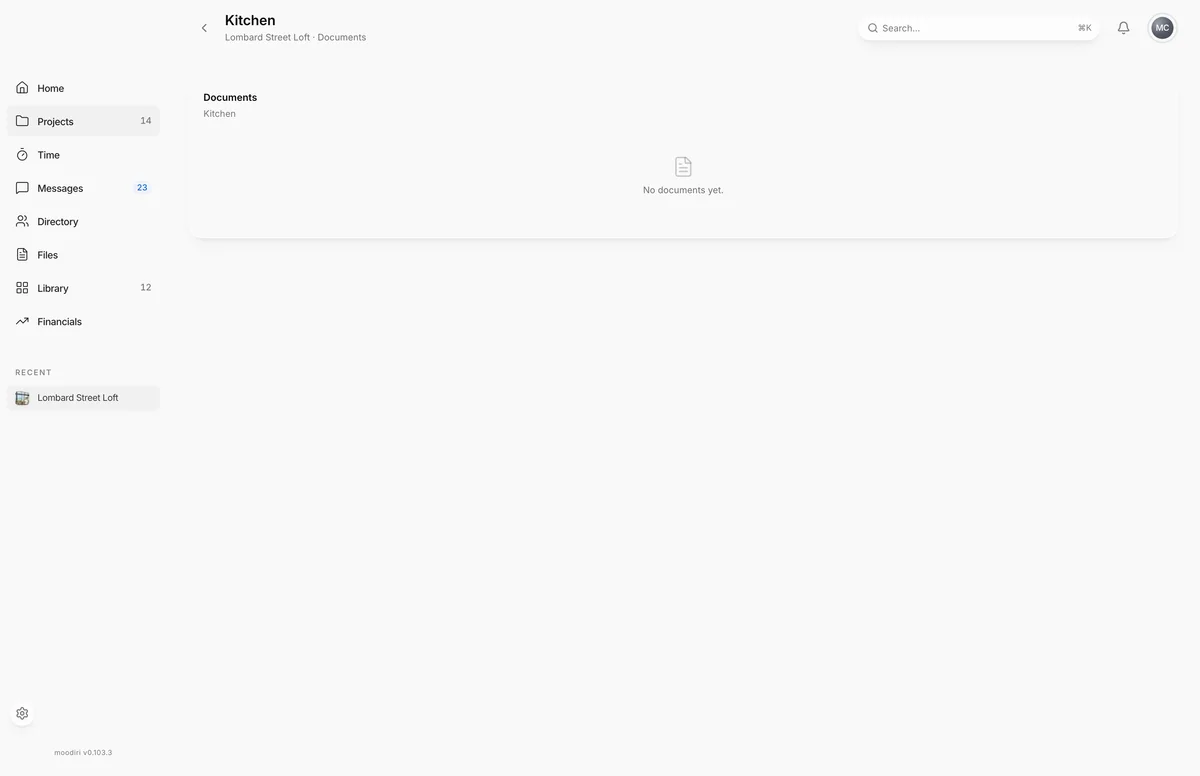
Space documents are the files filed under one room, such as an elevation, a contractor quote or site photos. Filing them by room means you find the kitchen drawings with the kitchen, not by searching the whole project.
To get here, open the space and choose View all on its Documents card. The page header shows the space name, the project name and Documents.
What you see here
Every document filed under the space, newest first, as a thumbnail with its name and the date it was added. The count next to the space name tells you how many there are. Choose a document to open it in a new tab. A room with no files shows No documents yet.
Add a document to a space
Drag a file onto the Documents card on the space page. Drop to upload appears while you hold the file over the card, and Moodiri confirms when the upload is done. The file is filed under that space and appears here and on the project's documents.
You can also file any existing document under a space from its details on the Files page.
Limits
- Anyone on your team can add documents.
- One file per drop, up to 100 MB.
- The Documents card on the space page shows the five most recent files. This page shows them all.
Questions
Can my client see these files?
Only the files you share with them. See Share a file with the client.
Can I move a file to a different room?
Yes. Open the file on the Files page and change its Space.