Family revision proposals
When you propose a change to a product family, it travels as an approval request. Here is how those proposals look and behave.
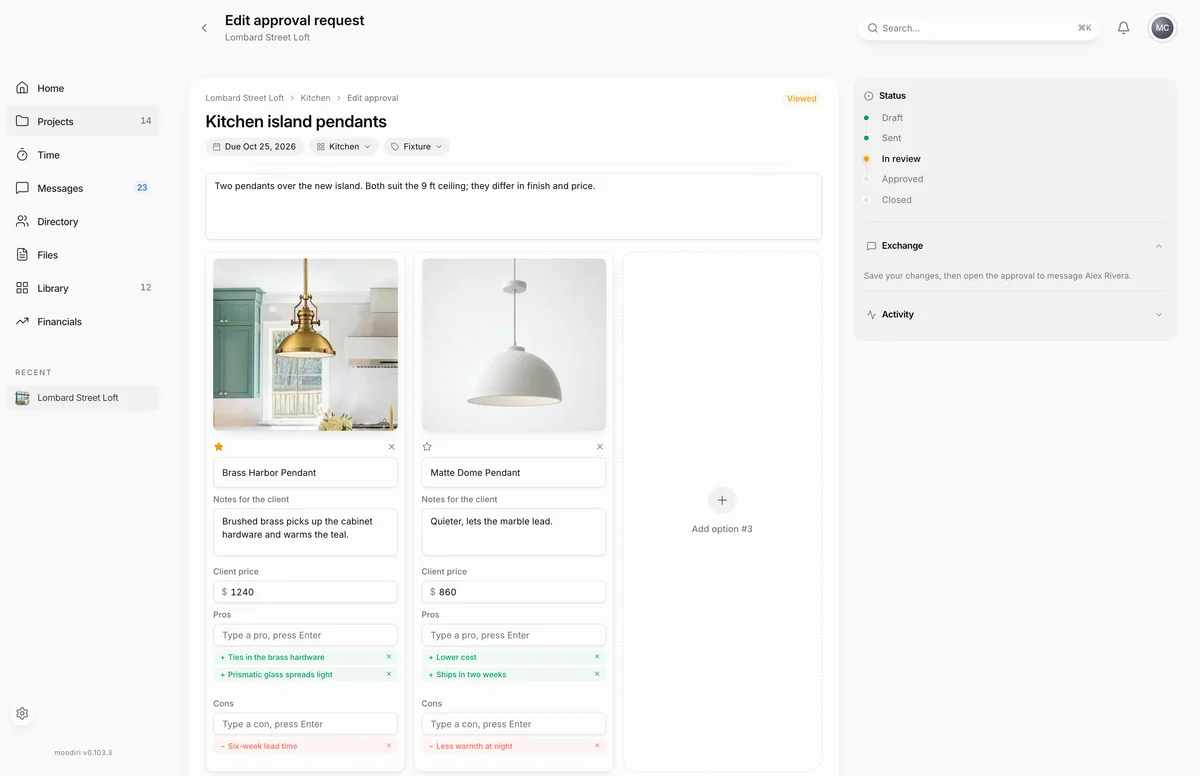
A family revision proposal is the approval request Moodiri creates when you propose a change to a product family, such as swapping a sub-product or changing quantities. It appears on your Approvals list like any other request, but it shows the pricing your client is agreeing to, and the change is applied only when they accept. To create one, see Propose a family change.
What you see here
Opening a proposal to edit it shows its review page instead of the builder. The top line tells you where it stands:
- Proposed family: a draft, not yet sent.
- Family review: sent and waiting for your client. The page reads Waiting for the client. Your current family is unchanged.
- Accepted family changes: your client accepted and the changes were applied. The page is kept as a receipt.
- Cancelled proposal or Closed family proposal: the changes were not applied.
Under it, Pricing to review lists each line your client is asked to approve.
Send or cancel a proposal
- Choose Send for client approval to send a draft. Moodiri confirms Proposal sent for client approval.
- Choose Cancel proposal to withdraw it. The current family stays unchanged.
If your client asks for changes, the page says The client requested changes. Cancel this proposal and prepare a new one. From the request's details, Review requested changes opens the proposal, and once a proposal is accepted or closed, Create a new family proposal takes you back to the family.
How proposals differ from other requests
- They can't be edited, and you can't decide on your client's behalf.
- Reopen decision isn't offered on an accepted proposal.
- You can resend a proposal while it is Sent or Viewed, but not after your client asks for changes.
- An accepted proposal can't be archived, and a closed one can't be reopened.
Limits
- Sending needs a client email address on the project.
- If the family, its pricing or its billing changed after you prepared the proposal, it can't be sent. Cancel it and prepare a new one.
Troubleshooting
- The family, pricing, or billing changed since this proposal was prepared. The proposal is out of date. Choose Cancel proposal, then propose the change again.
- Add a client email address before sending this family proposal. Add an email to the project's client, then send again.
Questions
Why can't I edit a family proposal?
A proposal is a snapshot of the family and its pricing at one moment. To change it, choose Cancel proposal and prepare a new one from the current family.
Does anything change before my client accepts?
No. Your current family stays as it is until your client accepts the proposal.