Projects
Project activity
A running record of what happened on a project and who did it, from new products and approvals to invoices, payments and tasks.
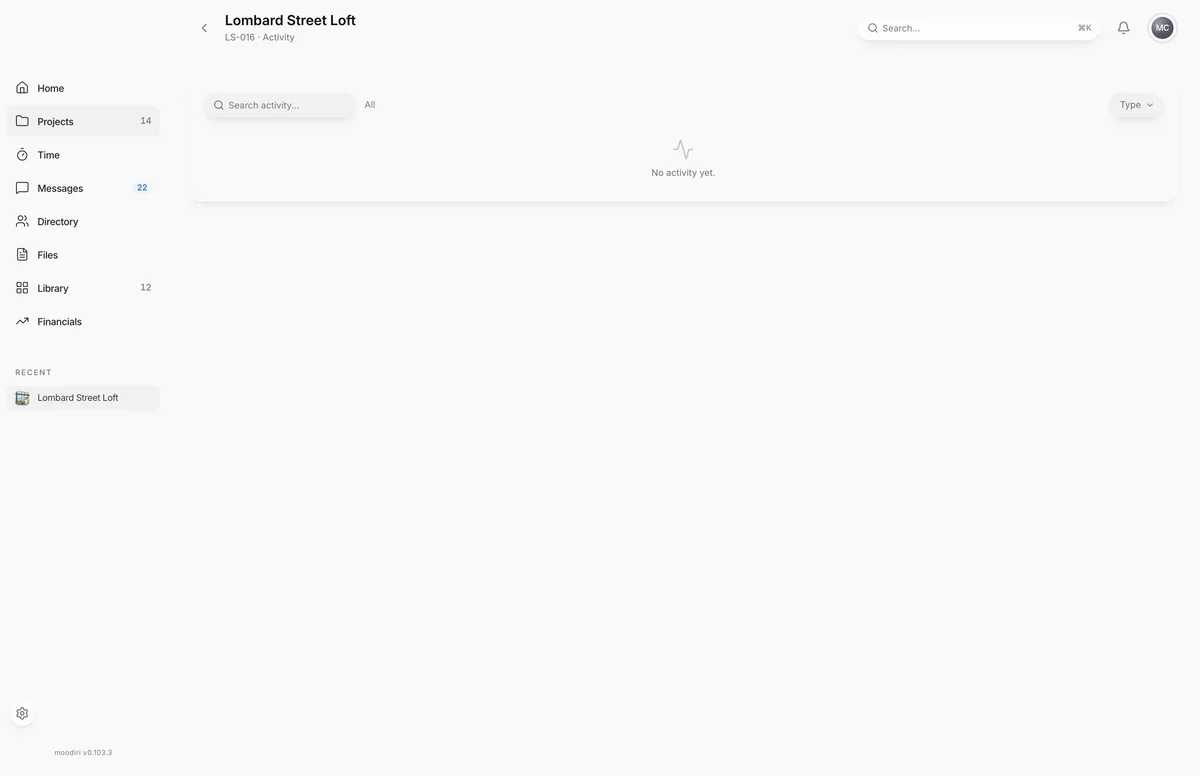
Project activity answers "what changed, and who did it?" for one project. Every product added, approval sent, invoice issued or payment recorded is listed with the time and the person, so you can catch up after a few days away or settle a question about who changed what.
To open it, choose View all on the Activity section in the project overview's side panel. The side panel itself shows the most recent few events.
What you see here
- Search activity...: find events by what happened, who did it, or the type.
- Type: filter to one kind of event, such as Product, Invoice, Approval, Space, Payment, Document or Project task.
- The table: Activity, Type, Project, By and Date. Choose a column heading to sort.
- Show more: load more rows further down the list.
When nothing matches, the page says No activity matches your search.
When to use it
- Catching up. See what the team did on the project while you were out.
- Checking a decision. Find when an approval was sent or a price changed, and by whom.
- Following the money. Filter to Invoice or Payment to see billing events in order.
Limits
Limits
- The page shows the 50 most recent events on the project. For older history, use the firm-wide activity log.
Questions
Does activity include what my client did?
Yes. Actions your client takes in the portal show Client in the By column. Automatic actions show System.
Where do I see activity across all projects?
Use the firm-wide activity log.
Next
Was this page helpful?
Thanks, noted.