Settings
Appearance
Choose a light, dark or system theme for Moodiri on the device you're using.
- 1Appearance
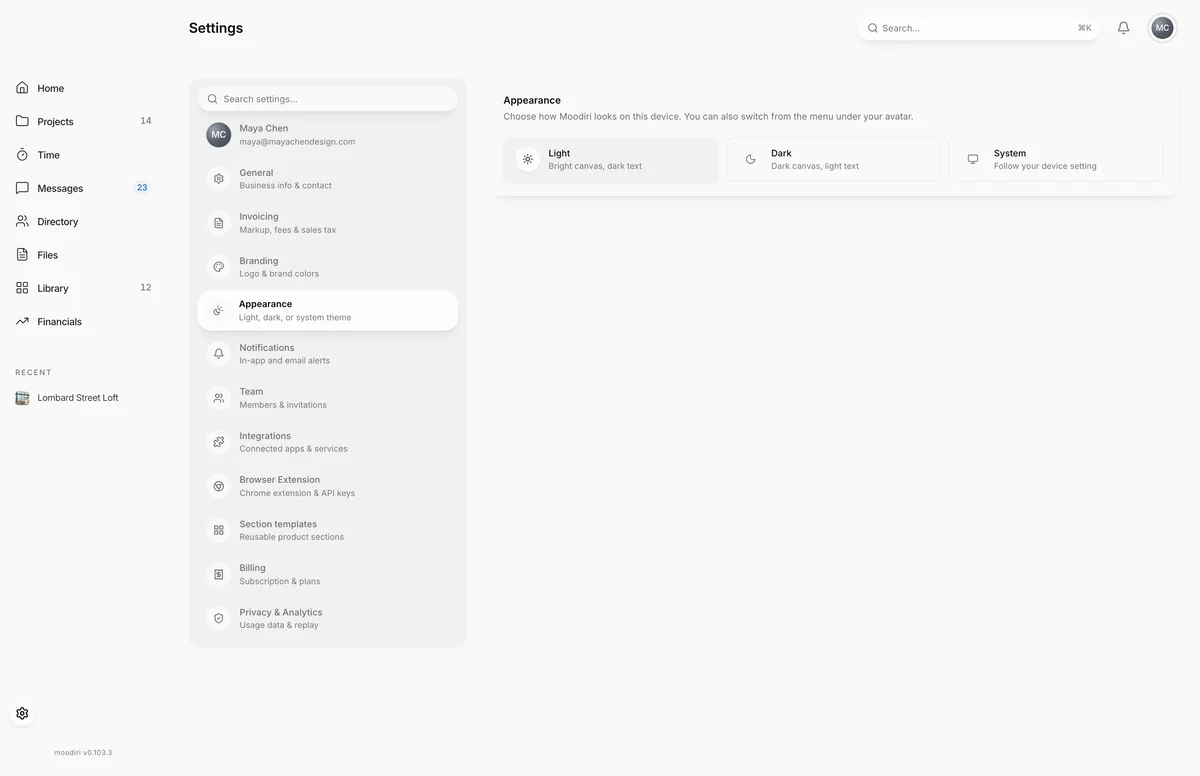
Appearance sets how Moodiri looks for you. It is a personal, per-device choice, so you can use dark mode on your laptop in the evening and light mode on the studio computer.
Open Settings, then choose Appearance.
What you see here
Three theme options:
- Light. Bright canvas, dark text.
- Dark. Dark canvas, light text.
- System. Follows your device's own light or dark setting.
Choose one and Moodiri switches straight away. There is nothing to save.
Limits
Limits
- The choice is saved in your browser on this device. Other devices and browsers keep their own setting.
- Branding, invoices and the client portal are not affected.
Questions
Does my theme change what my clients or teammates see?
No. The theme is your own, and only on the device where you choose it.
Is there a faster way to switch?
Yes. The menu under your avatar in the top-right corner has the same switch.
Next
Was this page helpful?
Thanks, noted.