Invoices and paying
See everything your designer has billed and what you've paid, open any invoice, download PDFs and receipts, and pay online.
- 1Invoices
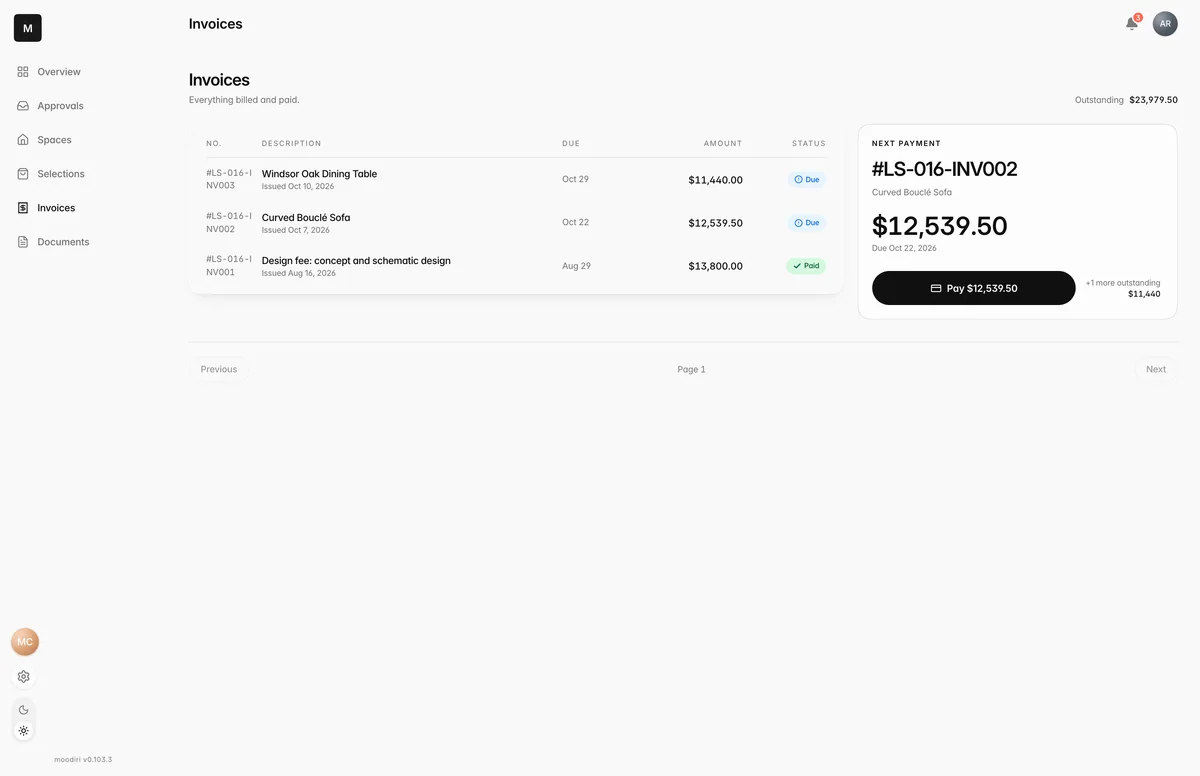
Invoices holds every invoice your designer has sent for this project, paid or not. It's the place to check what you owe, settle it online and keep copies for your records.
What you see here
The page opens with what's Outstanding in total. Each invoice shows its number, description, due date, amount and status:
- Due: waiting for payment.
- Overdue: past its due date.
- Payment processing: you've paid by bank and the money is on its way.
- Paid: settled in full.
- Void: cancelled by your designer. Nothing to pay.
- Corrected: replaced by a corrected invoice, so no payment is due on this one.
A card highlights your Next payment or an Overdue invoice, with a button to pay it.
Choose an invoice to see its line items, tax, any Retainer applied or Overpayment credit, and the Payments received so far. To pay it, choose Pay with the amount. See Pay an invoice.
Download PDFs and receipts
- Invoice PDF: open the invoice and choose Download PDF.
- Payment receipts: under Payments received, each payment lists its method and date, with a download link for its receipt when there is one.
- After paying online: the confirmation page offers Download receipt.
Other shared files, such as contracts, are in Documents.
Payment states (processing, verify bank, expired link)
- Bank payment processing. Your bank payment was authorized and is settling. This usually takes 3 to 5 business days. No action is needed; you'll get a confirmation email when it completes.
- Card payment processing. The card payment is still being confirmed. Don't pay again; you'll get an email when it completes.
- Verify your bank account. Your bank may need a quick check first. Look for an email with verification instructions: small test deposits usually arrive in 1 to 2 business days, and you confirm their amounts from that email.
- Payment link expired or Payment link inactive. The link no longer works. Ask your designer for an updated invoice or a new link.
- Payment status pending. An earlier payment is still being checked. Don't submit another payment; your designer will send a new link when it's safe.
Refunds and refund receipts
When your designer refunds money on an invoice, the invoice shows a Refunded section with the method, the date and the amount. Each refund has a receipt you can download from the same place, named with its refund number.
Paying a retainer
- 1Payment received
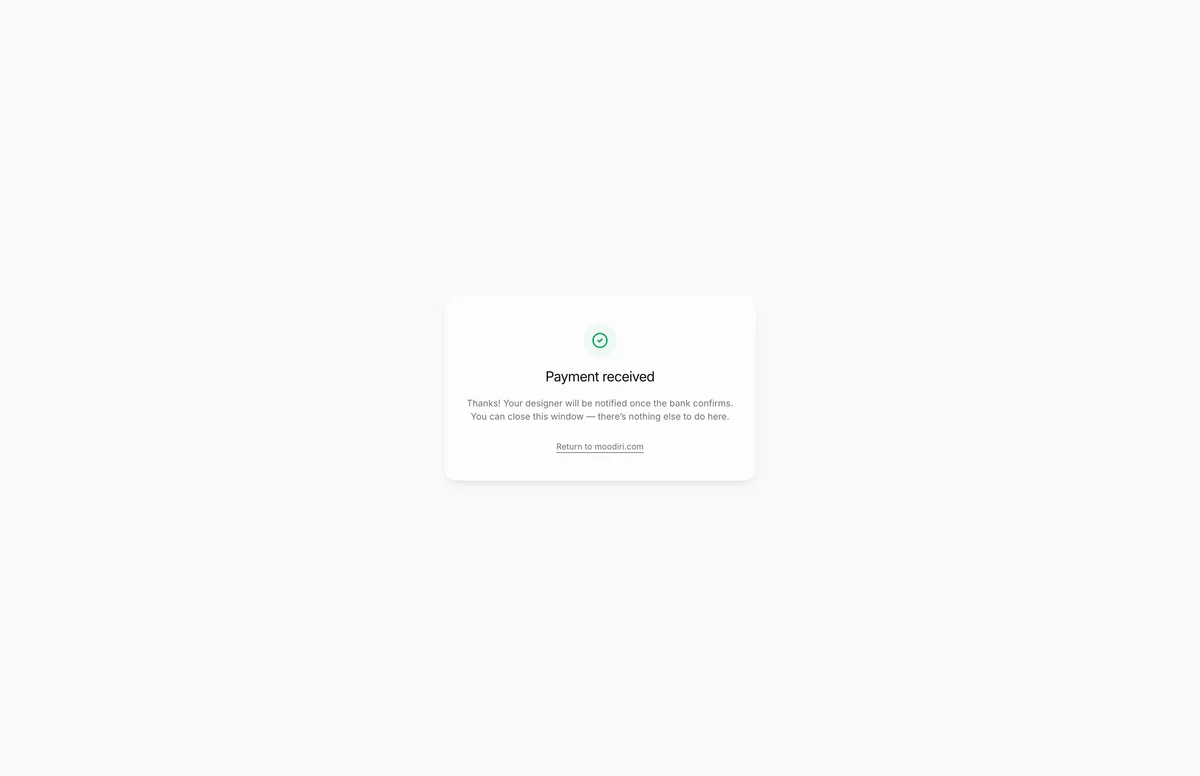
A retainer is a payment up front that your designer holds and uses toward later invoices. Your designer sends you a payment link for it. Pay on the secure checkout page, then you'll see Payment received: your designer is notified once the bank confirms, and there's nothing else to do.
If you close the checkout without paying, you see Payment cancelled. The link still works, so you can reopen it from your designer's message.
Your retainer balance shows on the Overview once it's active.
Limits
- Bank payments usually take 3 to 5 business days to clear.
- Bank verification deposits usually arrive in 1 to 2 business days.
- The retainer confirmation page shows no project details; your retainer activates once the payment is confirmed.
Questions
I paid by bank transfer. Why does it still say Payment processing?
Bank payments take a few business days to clear. You don't need to do anything; you'll get an email when it completes.
I paid by check. Why doesn't it show as paid?
Your designer records checks and other offline payments by hand. Once they do, the payment appears under Payments received.
Who do I ask about a charge?
Open the invoice and choose Question? to email your designer about that invoice, or message them in chat.