Notifications and activity
See what needs your attention (decisions, invoices, new documents) and a full history of what has happened on your project.
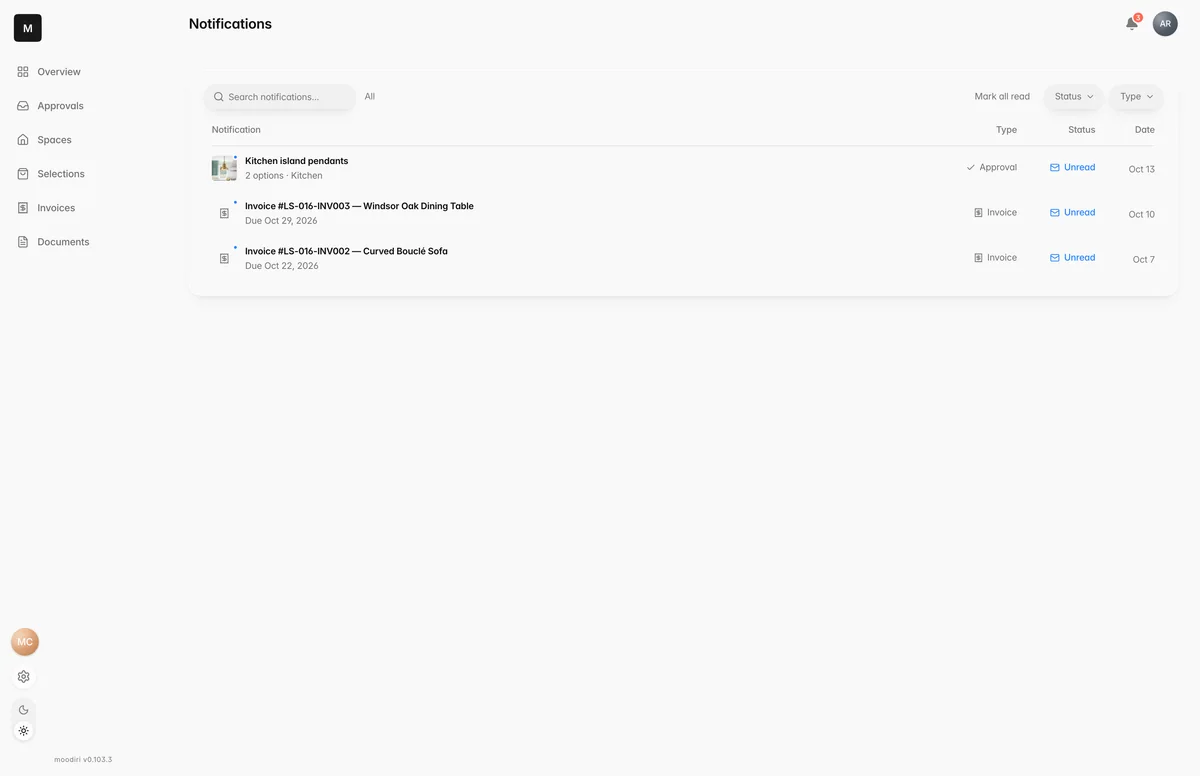
- 1Notifications
Notifications show what's waiting on you right now: decisions to make, invoices to pay and documents your designer has shared. Recent activity is the longer record of everything that's happened on the project, by you and by your designer.
What you see here
The bell at the top right of every portal page shows a count of unread notifications. Choose it to see the latest. Choose one to open it, choose Mark all read to clear the count, or choose Show all for the full page.
The full Notifications page lists each item with its type, status and date. You can:
- Search notifications.
- Filter by Status (Unread or Read) and by Type (Approval, Invoice or Document).
- Mark a single item as read or unread.
Overdue invoices are pinned to the top and marked Overdue. When there's nothing left, you see You're all caught up.
Recent activity
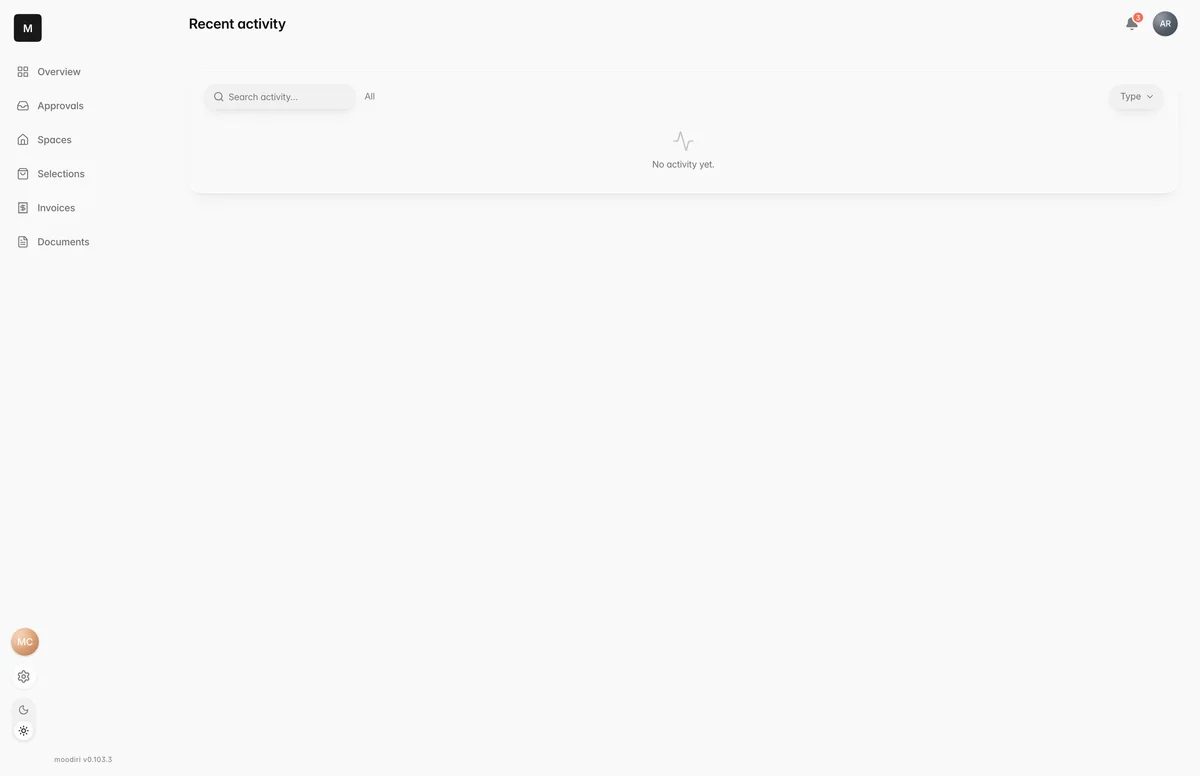
- 1Recent activity
The Recent activity card on the Overview shows the latest updates. Open the full list from that card to see every update, with:
- What happened, its type (Approval, Invoice, Space, Project or Document), who did it, and when. Updates you made show You.
- A search box and a Type filter to find a specific update.
Limits
- Notifications cover approvals, invoices and documents. Messages from your designer show as unread counts in chat instead.
- Read and unread marks are saved on the device you're using.
Questions
I marked something as read on my laptop. Why is it unread on my phone?
Read and unread marks are kept on each device and browser, so they don't carry over between devices.
Why is an invoice stuck at the top?
Overdue invoices stay pinned at the top of your notifications until they're paid.