Section templates
See and delete the reusable sets of product sections your firm has saved from spaces.
- 1Section templates
A section template is a reusable set of product sections, for example the lighting, plumbing and hardware sections you set up for every bathroom. Section templates lists the ones your firm has saved, so you can tidy up the list your team picks from when adding a space.
Open Settings, then choose Section templates.
What you see here
Each template shows its name, how many sections it holds and, when set, the type of space it is for. Choose the bin button on a row (Delete template) to remove it. It is deleted straight away.
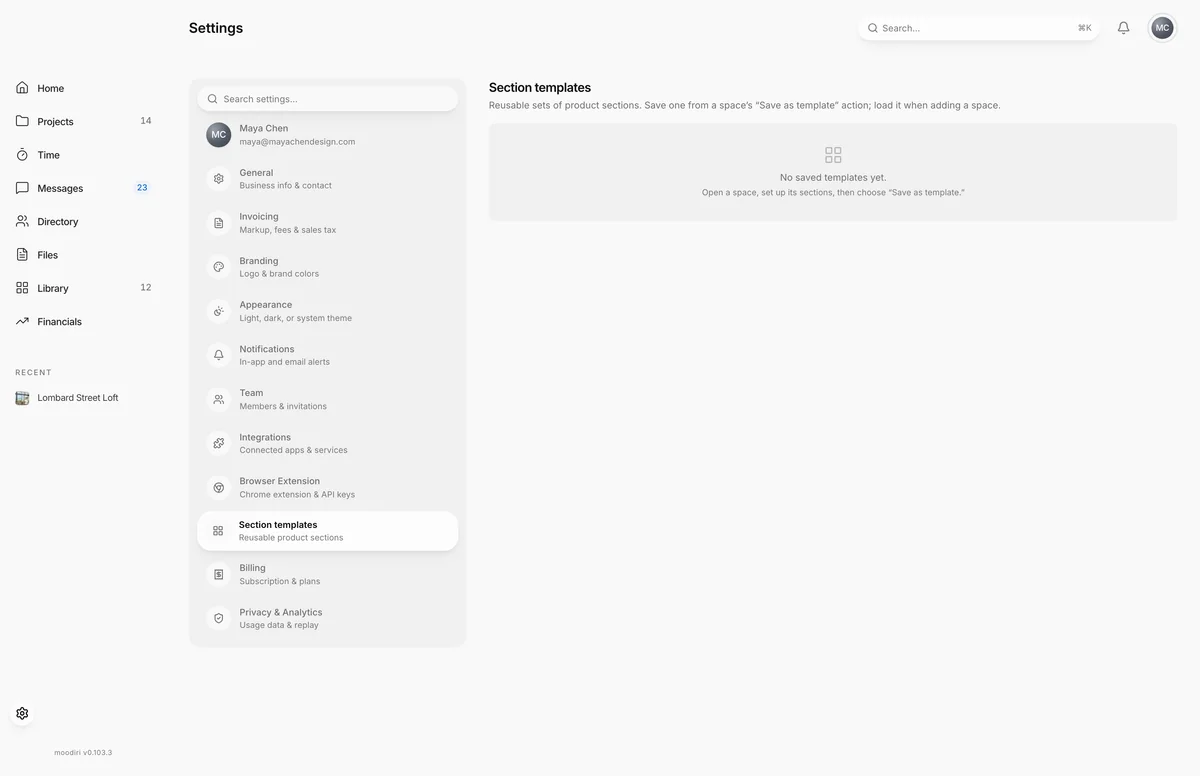
If your firm has none yet, the page says No saved templates yet.
How templates are made and used
- Save one from a space: set up its sections, then choose Save as template.
- Use one when adding a space. See Add a space.
Limits
- Templates are saved from a space's Save as template action, not created on this page.
- Deleting a template can't be undone.
Questions
How do I make a template?
Open a space, set up its product sections, then choose Save as template from the space's menu.
How do I use a template?
Load it when you add a new space.
Does deleting a template change spaces that used it?
No. It only removes the template from the list for future spaces.