Notifications
Notifications tell you when something needs you: an invoice update, an approval answer, a timesheet or a mention. Filter them and mark them read or unread.
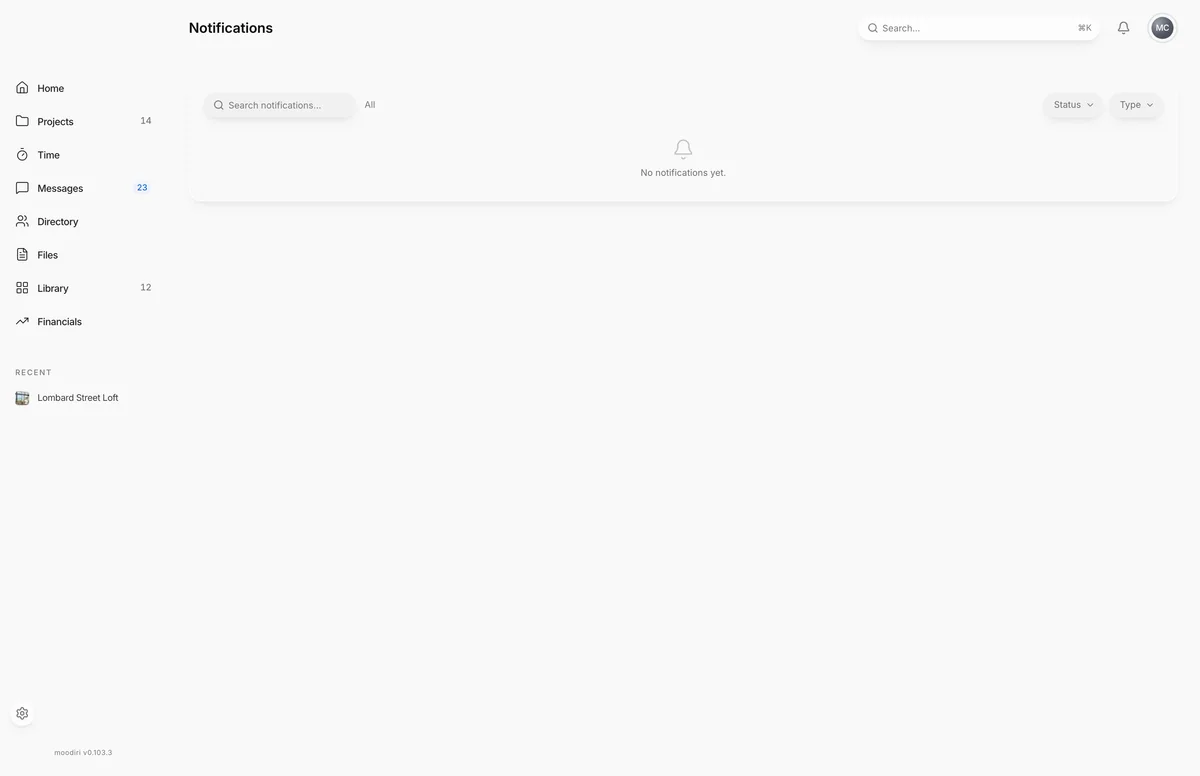
- 1Search notifications
Notifications are the things that need your attention, addressed to you. The activity log records everything that happens in the firm; notifications pick out what you should act on, such as a client answering an approval or someone mentioning you in chat, and keep track of what you've already seen.
What you see here
The Notifications page lists your notifications with these columns: Notification, Type, Project, Status and Date. Unread ones are marked Unread.
- Choose a notification to open what it's about. Opening it marks it read.
- Choose the status in a row to switch it between read and unread.
- Right-click a row for Mark as read, Mark as unread and Open.
- Type in Search notifications... to find one by its text.
- The list shows the first rows; choose Show more to load more.
The notification bell
The bell in the header shows a badge when you have unread notifications. Choose it to see your latest ten. From there:
- Choose a notification to open it.
- Choose Mark all read to clear the badge.
- Choose Show all to open the full Notifications page.
The Notifications card on Home shows the same recent notifications.
Filter by status, type and project
Narrow the list with the filters next to search:
- Status: Unread or Read.
- Type: Invoice, Approval, Time or Mention.
- Project: one project's notifications.
Choose All statuses, All types or All projects to clear a filter.
Notification preferences (links to Settings › Notifications)
Choose which events notify you in Settings › Notifications. Open it from the user menu: choose Settings, then Notifications.
Limits
- The bell loads your latest ten notifications. The full page holds your 200 most recent.
- Mark all read is in the bell's dropdown, not on the full page.
Questions
How do I get fewer notifications?
Choose which events notify you in Settings › Notifications.
Why does a teammate see notifications I don't?
Notifications are addressed to people, not to the whole firm. A mention, for example, only notifies the person mentioned.