Documents
Contracts, drawings and other files your designer shares with you, kept in one place to view and download any time.
- 1Documents
Documents collects the files your designer shares with you: contracts, floor plans, drawings, renders and other project files. You don't need to search old emails for the latest version; it's here.
What you see here
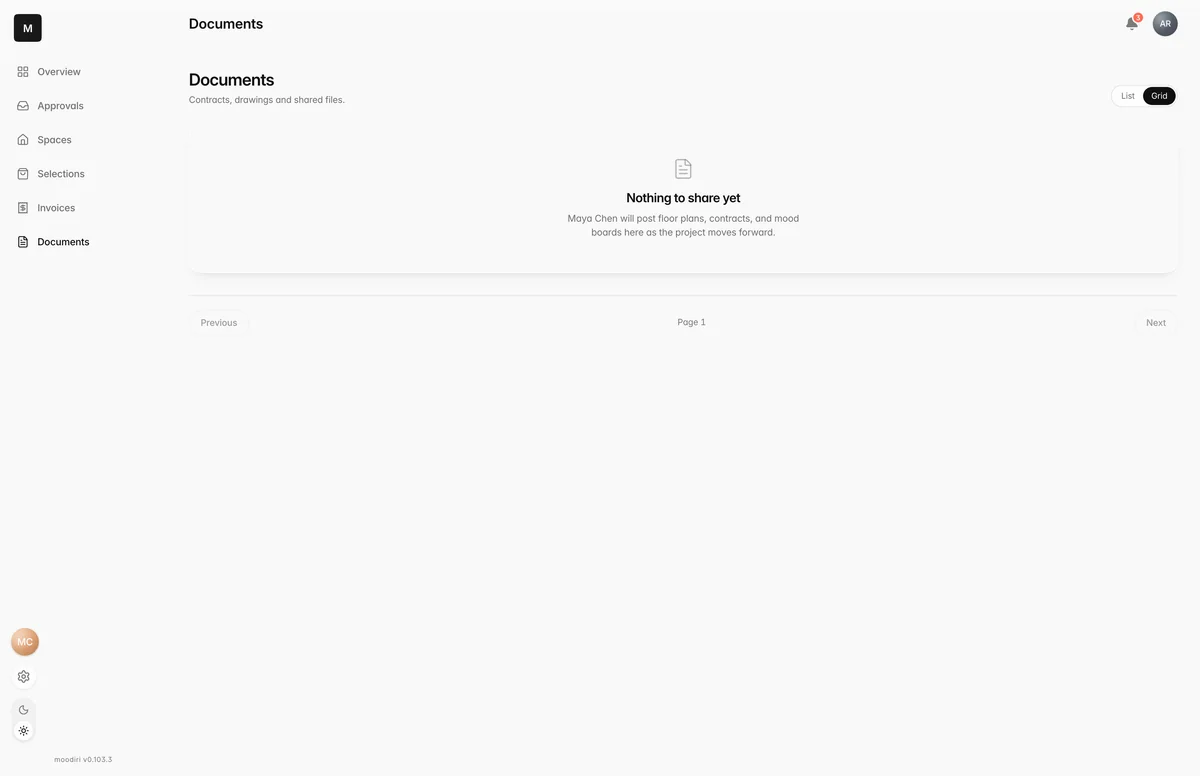
Each file shows its type (for example Contract or Drawing), its name, its size and the date it was shared. Switch between Grid and List at the top right to change the layout.
Choose a file to open its details, then choose Download to save or open it.
If nothing has been shared yet, you see Nothing to share yet. Your designer posts floor plans, contracts and mood boards here as the project moves forward.
Files for a room
Files related to a particular room also appear in that room on Spaces, under Documents.
Limits
- Only files your designer chooses to share appear here.
Questions
Can I upload files here?
No, Documents is for files your designer shares. To send your designer a file or photo, attach it in chat.
Where are my invoice PDFs?
On each invoice. Open it in Invoices and choose Download PDF.